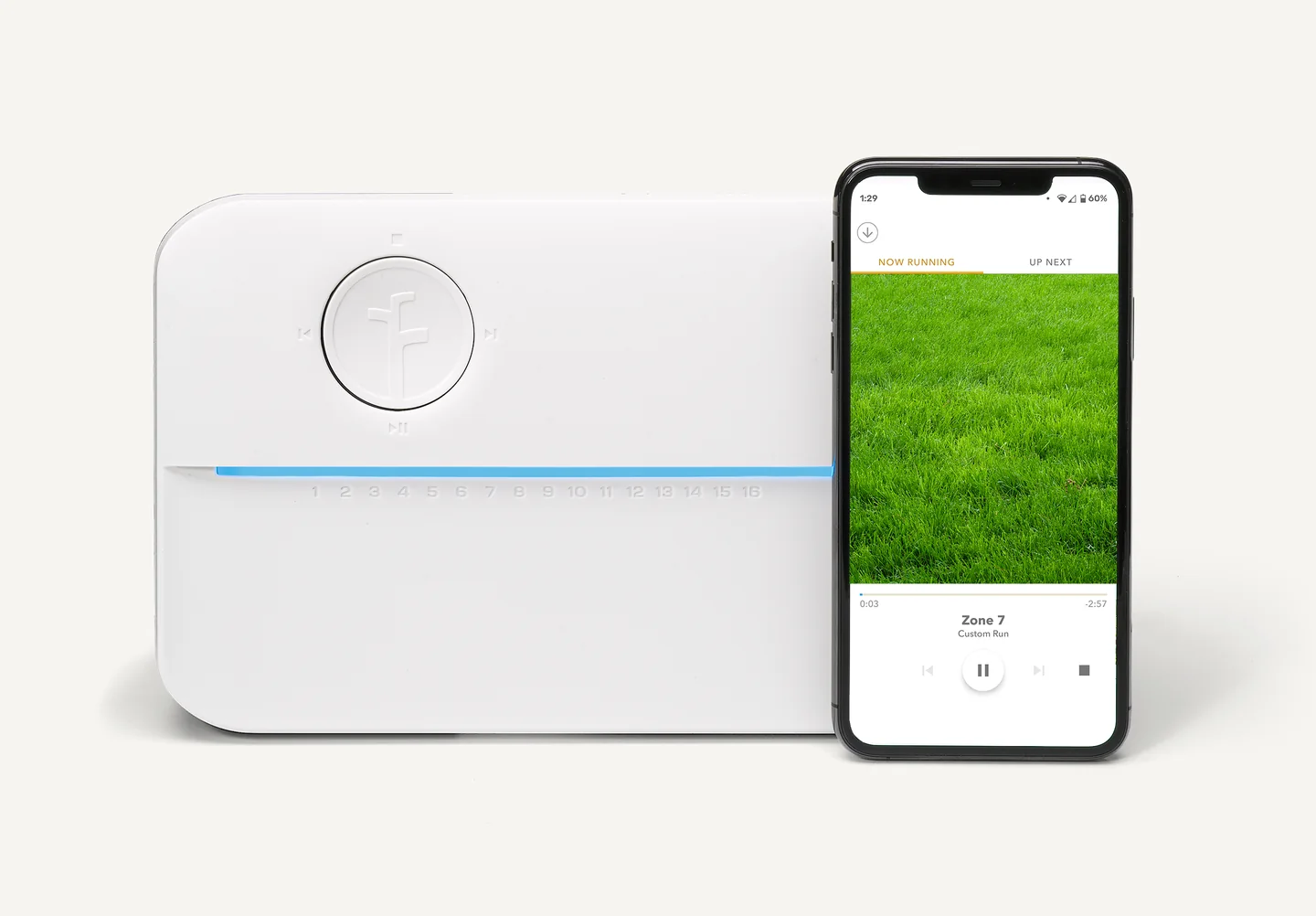
A Rachio 3 controller changes how an existing irrigation system is scheduled and managed. It does not change the planting groups, repair a leaking line, or make mismatched emitters behave alike. Start by understanding the system it will control before evaluating the convenience of the app.
Map the zones in plain language
Label each zone by the area and planting it serves. Record any obvious mixture of beds, lawn, sun, or shade that needs the installer's attention. A zone name such as “front beds” is more useful than an unexplained number when someone else needs to maintain the system.
Ask the installer to demonstrate each zone and identify problems that should be corrected independently of the controller. Better scheduling can only operate within the system's physical limits. This is also the moment to clarify which areas are irrigated at all.
Confirm the exact model and connections
Rachio 3 is offered in different zone capacities, and the proposed controller must match the installation. Check the current requirements for power, network connection, wiring, sensors, and mounting location before purchase. An app-based product description does not establish compatibility with every existing system.
Discuss the weather-based features in relation to the actual yard. Their usefulness depends on appropriate setup and information; they are not a promise of a particular water saving for this household. Follow local watering requirements and review the garden's response after installation.
Make handoff part of the job
Have the installer show the homeowner how to identify a zone, pause watering, review a schedule, and find help. Confirm that account access and any shared permissions are under the homeowner's control. Keep a copy of the zone map and installation details with the property records.
Separate any system repairs from the controller decision in the proposal. Poor coverage, leaks, or incompatible planting in one zone need their own corrections. Once those are resolved, test whether the household can understand and manage the new controls. Keep the zone map and access instructions where another responsible person can find them if you are away.
Know what happens without internet
Rachio’s current offline guidance distinguishes the schedule types. A saved Fixed Schedule continues while the controller remains powered and has not been factory reset. Flex Daily and Flex Monthly use a stored two-week schedule, then fall back to a manufacturer-supplied default if the outage continues. Weather-based features cannot use new forecast data while the controller is offline. A power outage is a different condition; these statements do not promise watering without power.
That distinction is important for a vacation property or an unreliable connection. Ask the installer to identify the selected schedule type, explain the fallback, and demonstrate the local controls before handover. Keep a written plan for checking the planting after an extended outage. Do not assume that “smart” means the same weather adjustments continue indefinitely without a connection.
Decide whether the controller is the problem
| What is going wrong | What to investigate first |
|---|---|
| One bed stays dry while another is overwatered | Coverage, emitter performance, and planting grouped on the same zone |
| A sound system is difficult to schedule | Whether the new controls and setup would be easier for the actual user |
| The property has unreliable internet | Offline behavior, connection improvements, and a simpler local-control alternative |
| No one knows which zone serves which area | A labeled zone map and a demonstrated handover |
A functioning existing controller may remain useful if the main problem is a broken emitter or an unlabelled system. Conversely, easier scheduling may be worthwhile when the physical system works and someone will maintain the setup. Compare the controller, installation, system repairs, and follow-up support as separate costs.
Leave a record that survives a change of phone
At handover, keep a simple zone map with photographs of the controller connections and labels, taken before any covers are closed. Store the equipment model and installer contact with the property records. Account ownership should remain with the homeowner, with only the access needed for ongoing service shared with others.
Revisit the zone map when lawn becomes a bed or a tree changes the shade. Run the affected zone and compare the label with what is now growing there. The app can make scheduling convenient; an occasional walk around the garden keeps that schedule connected to the plants.